Extract any YouTube transcript instantly. Free, fast, and ready for AI.
Turn any YouTube video into a transcript instantly. Copy, search, and analyze with AI to extract key takeaways, generate notes, and understand content faster.
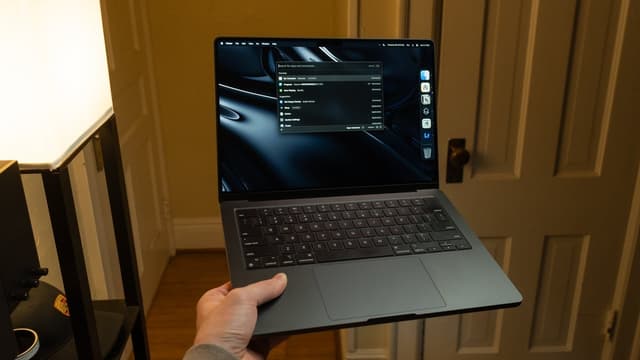
How I Setup My Mac So It Doesn't Ruin My Life
Summary
Cole Caccamise shares his Mac setup and productivity tips refined over seven years of use, aimed at creating a clean and efficient work environment. • Disable desktop icons and use hot corners for quick access to files. • Focus on one window at a time, using command+H to hide apps and command+Q to quit them, and use Mission Control to navigate between windows. • Keep the dock tidy by removing unnecessary apps, disabling suggested apps, and auto-hiding it, and use a script to remove the animation delay. • Use Bartender to hide less essential menu bar items and display useful information like water reminders and calendar events. • Organize files into folders and use Finder tips such as searching in the current folder, renaming files quickly, and moving files with command+option+V.
YouTube to text in seconds
Get any video's transcript and drop it straight into ChatGPT, Claude, or your own notes. No login required.
One-click copy
Copy the full transcript or specific sections instantly to use anywhere.
Searchable text
Find exactly what you're looking for with full-text search across the transcript.
AI summaries
Generate concise summaries and extract key takeaways automatically.
Instant results
Get transcripts in seconds. No waiting, no processing delays.
Built for
Students & Researchers
Convert lecture videos and tutorials into searchable notes. Generate study guides and extract key concepts with AI.
Content Creators
Research outlier videos, repurpose content into blog posts, or find inspiration for new content.
Marketers & Analysts
Analyze product reviews, track brand mentions, and understand customer sentiment from video content.
Frequently asked questions
How do I get a YouTube video transcript?
Paste the YouTube video URL into the input field and click "Get transcript." Your transcript will be ready in seconds.
Is Transcripty free to use?
Yes, Transcripty is free for basic transcript extraction. No account or payment required to get started.
What can I do with the transcript?
Copy the text, search for specific content, generate AI summaries, create study notes, or use it as source material for your own content.
Does it work on any YouTube video?
Transcripty works on any public YouTube video that has captions available, whether auto-generated or manually added.
How does the AI analysis work?
Our AI reads the transcript and generates summaries, key takeaways, and structured notes to help you understand the content faster.
Are there any limits?
There are fair use limits to prevent abuse, but more than enough for the average user. No payment required. Limits are subject to change.
Start extracting YouTube transcripts
Paste any YouTube URL and get your transcript in seconds. Free to use, no account required.